- What's New
- Pricing & Purchasing
- Lead Times
- Literature & Samples
- Services & Warranties
- Careers
- Find a Rep
Design Resources
Designing high-performing spaces starts with the right resources. Explore interactive tools, surface materials, imagery, documents, and symbols that help you visualize concepts, refine specifications, and move projects forward with clarity and confidence.
Design Smarter with Interactive Planning Tools
Whether you’re sketching an early concept or refining final specs, our digital tools help you see the space before it’s built. From 3D product visualization to classroom layouts and square-foot cost planning, these resources support faster decisions and more accurate specifications.
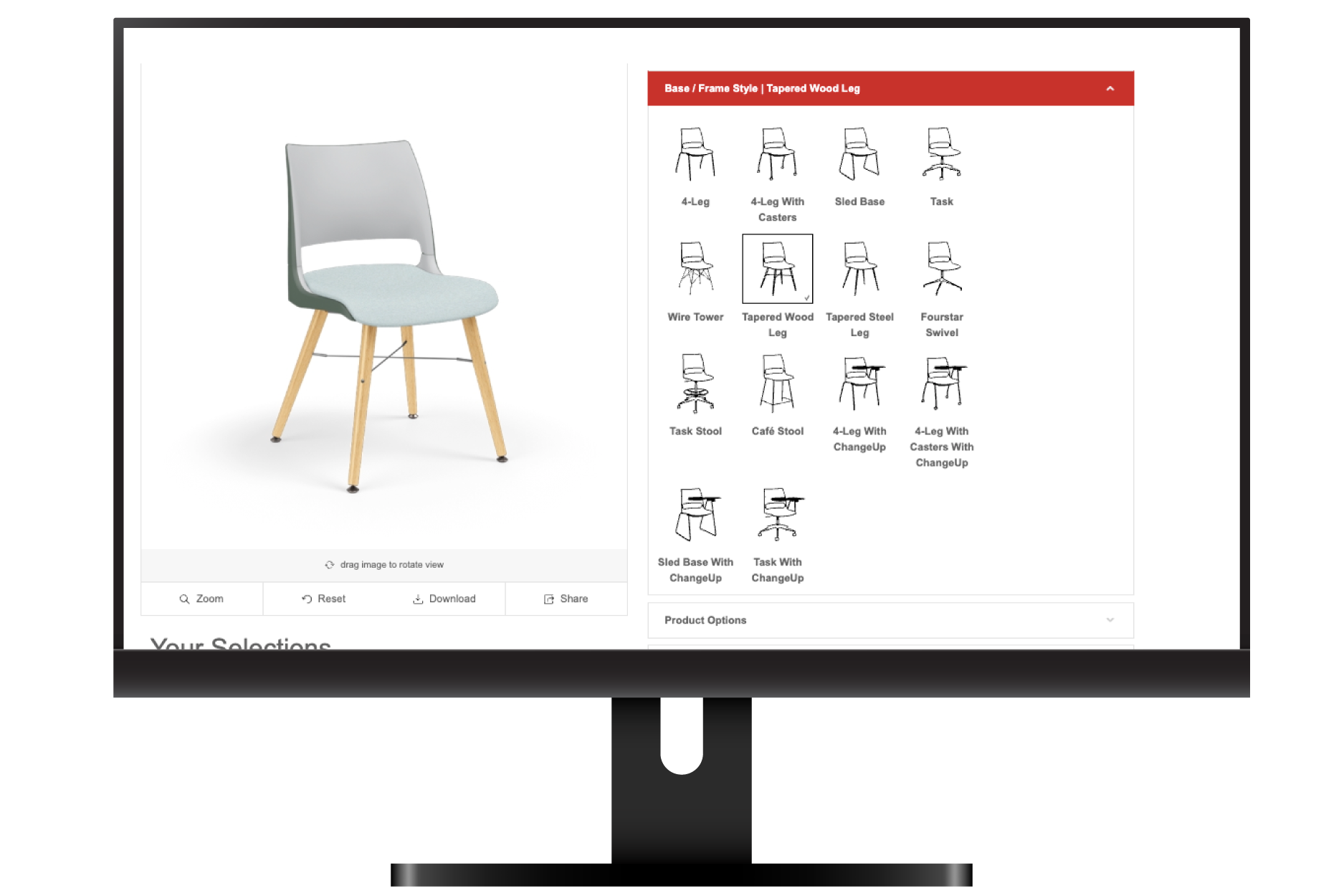
Our 3D product visualization tool lets you quickly explore product options, experiment with finishes, and visualize how furniture will look in your space. Rotate, configure, and refine selections in real time to support specifications and client presentations.
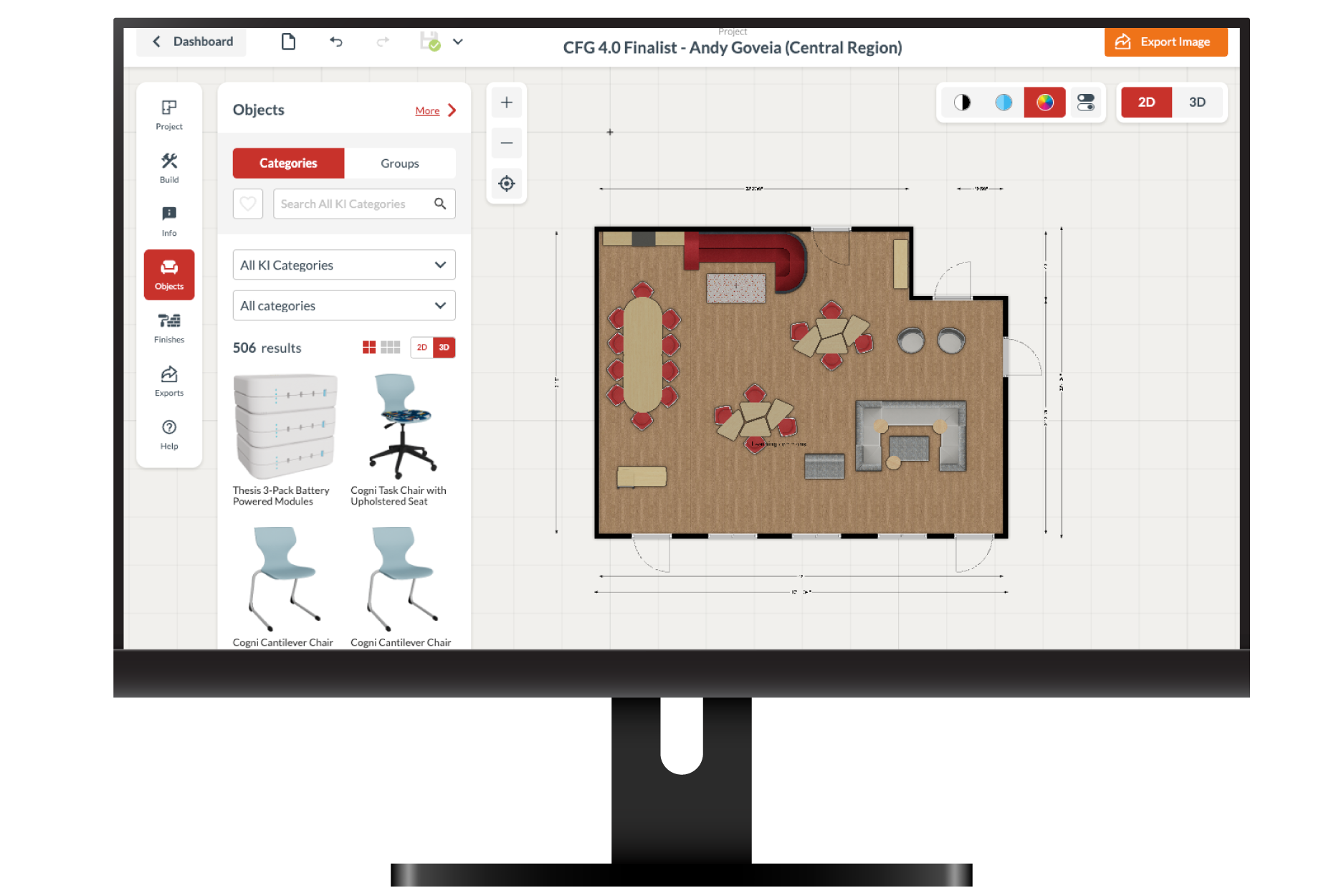
Map out learning environments, test different layouts, and optimize every inch of the space. Drag and drop furniture, explore multiple configurations, and see how each plan supports circulation, collaboration, and instructional needs.
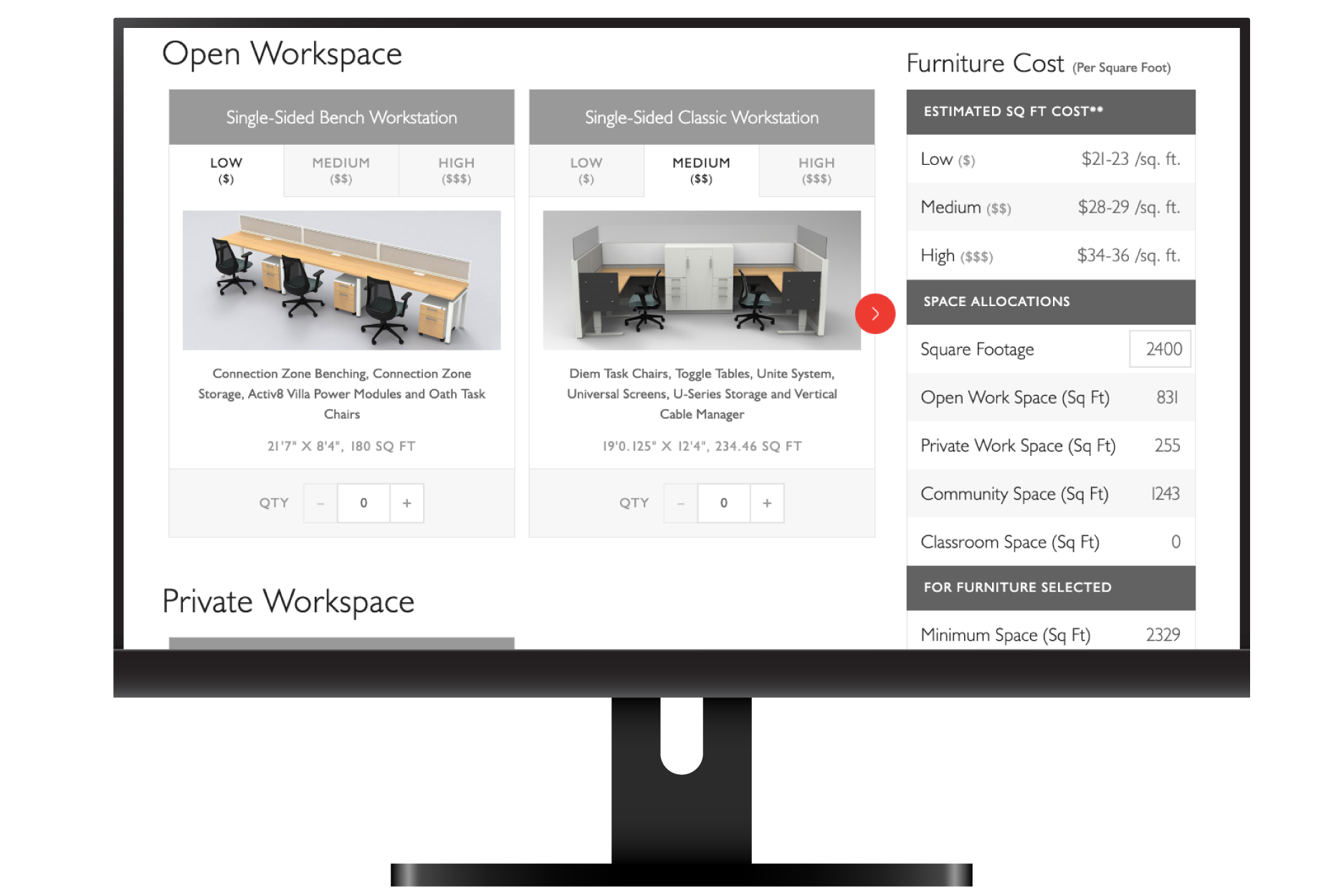
This tool helps you align vision with budget. Enter square footage and allocation goals to estimate costs and plan furniture investments by area. Use it to compare scenarios, set expectations, and support decisions with stakeholders.
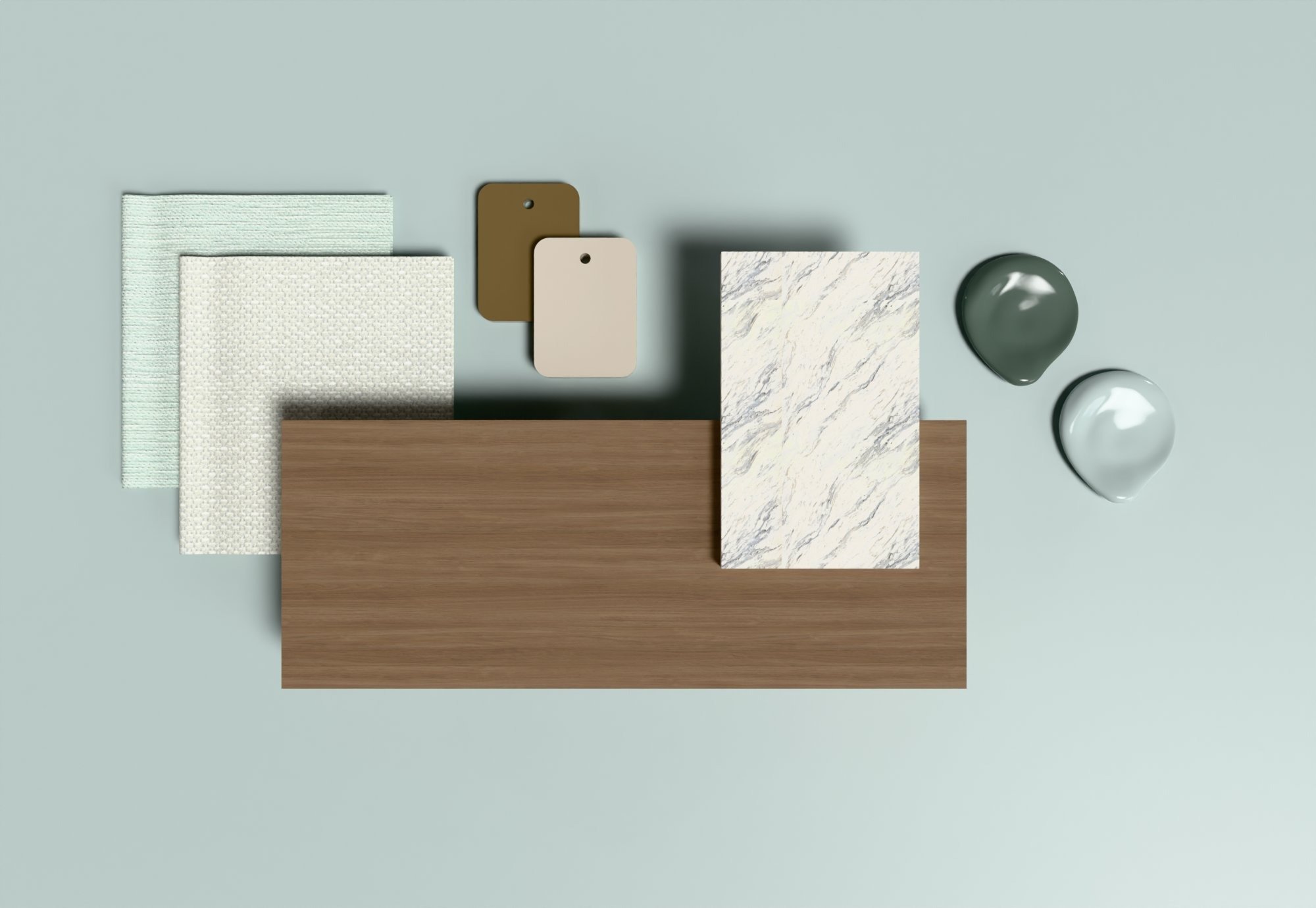
Explore Surface Materials and Finish Options
Finishes do more than complete the look—they influence durability, maintenance, and user experience. Browse our surface materials to select laminates, fabrics, and finishes that work together seamlessly across products and spaces.
Resources for Every Project Stage
From early inspiration to final documentation, these resources help you communicate, coordinate, and deliver your design intent. Download images, documents, and CAD/Revit symbols to support every phase of your project.
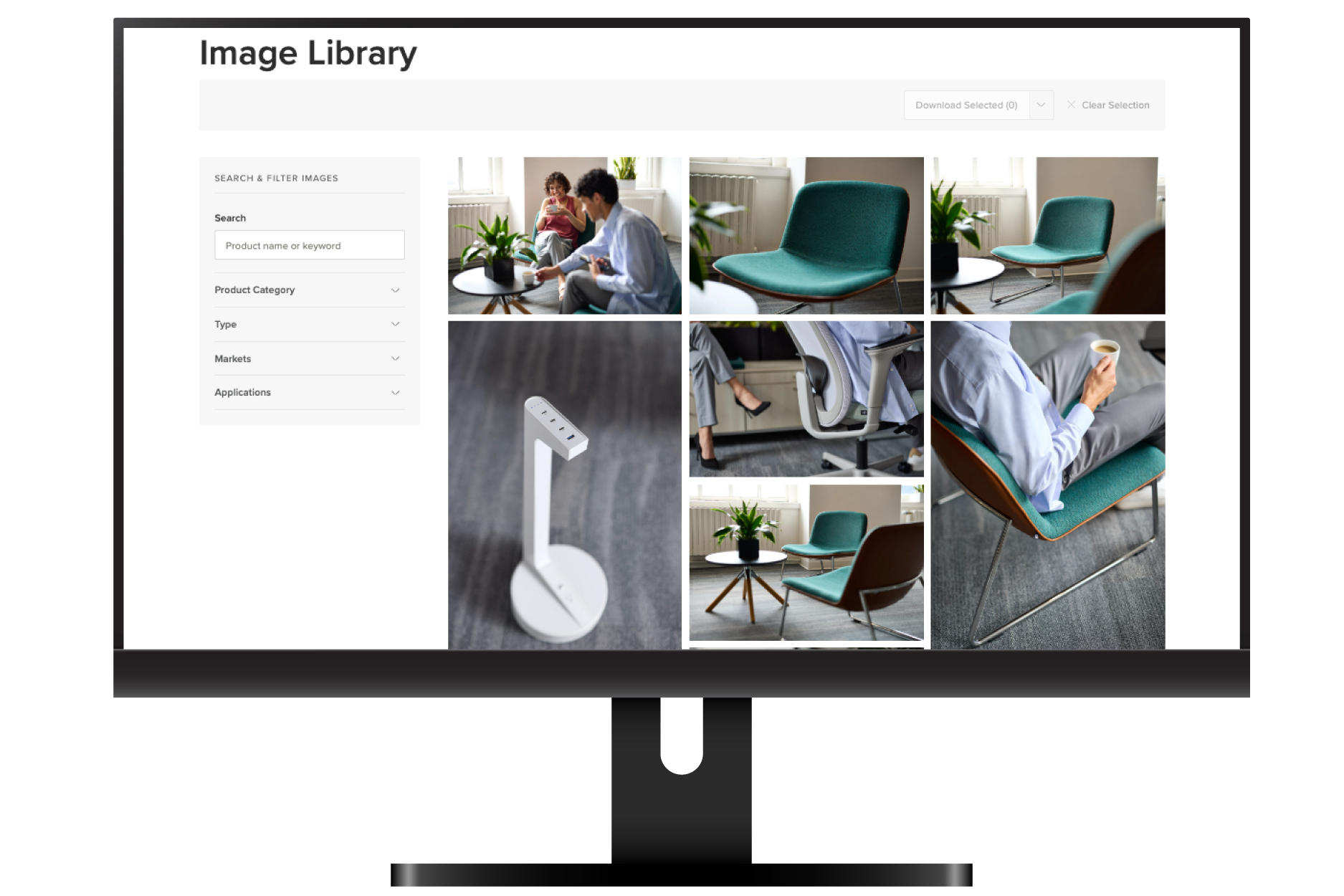
Browse a library of product and installation imagery to bring your presentations and mood boards to life. Filter by product, application, or market to find photos that illustrate real-world applications and inspire your next design concept.
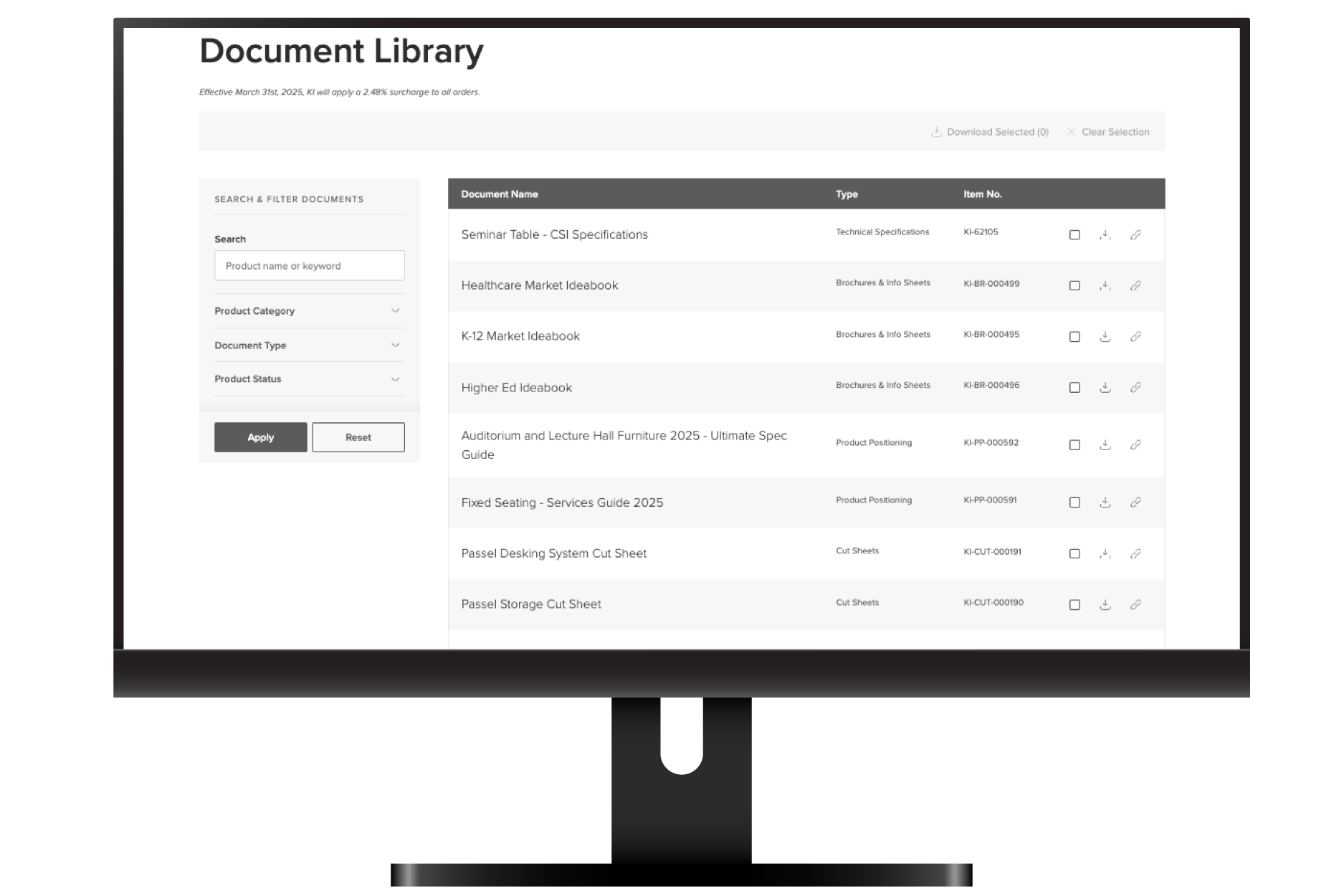
Find up-to-date documentation for your projects all in one place. Access brochures, cut sheets, assembly instructions, and technical documents to support planning, approvals, and procurement.
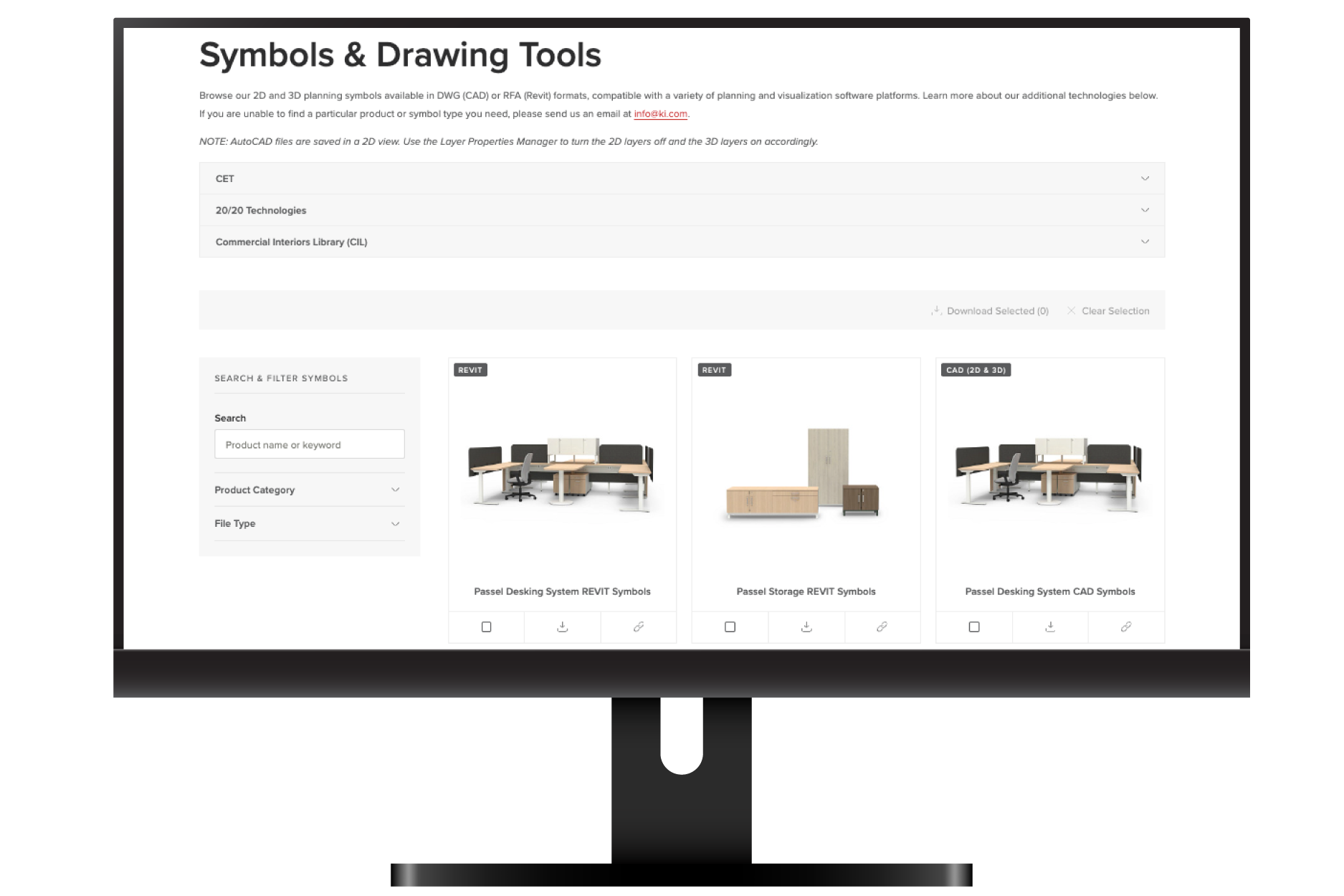
Access a comprehensive symbols library with CAD and Revit files for our product lines. Download 2D and 3D assets to streamline your drawings, coordinate with project teams, and ensure accurate representation in your designs.